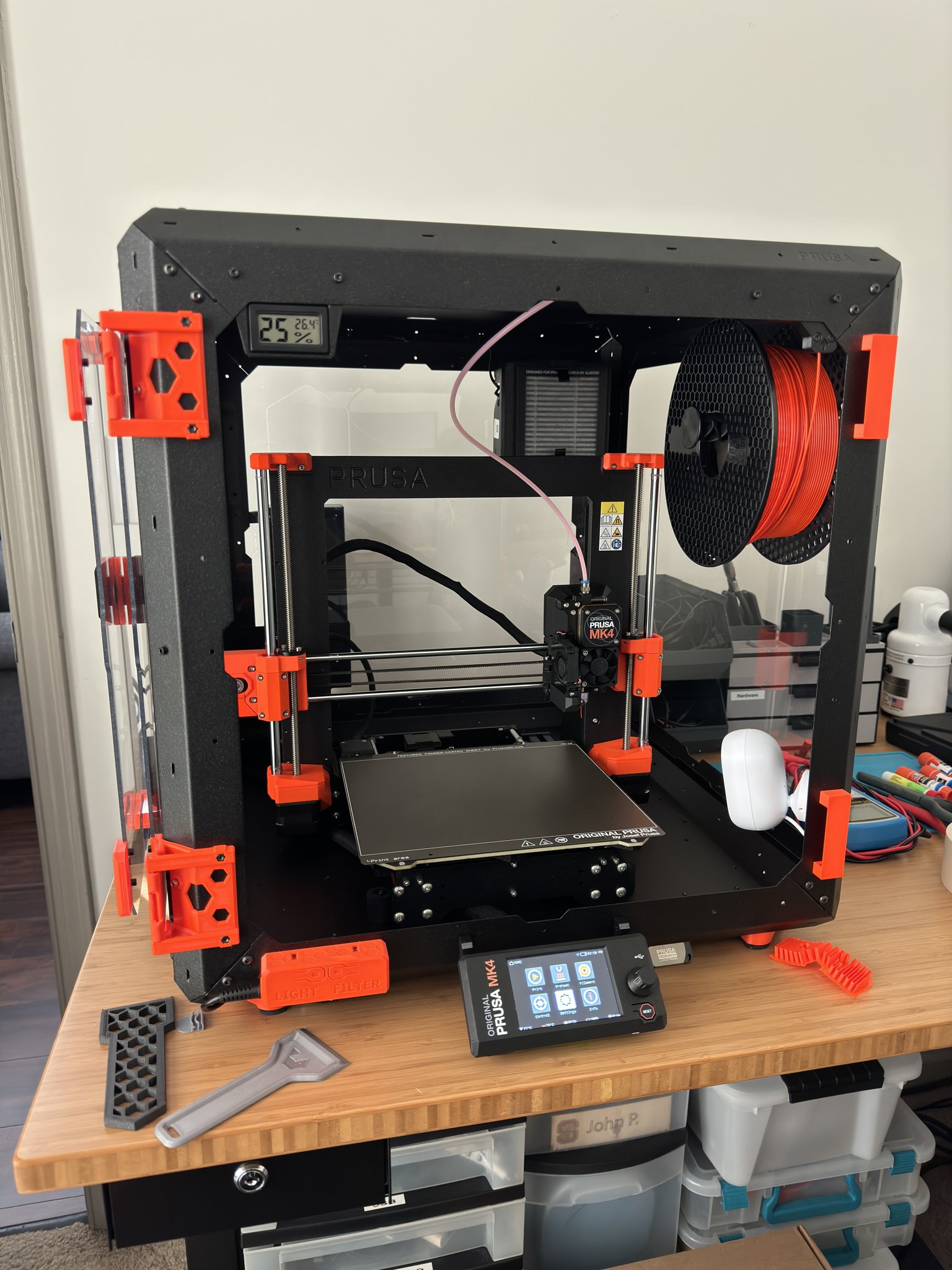
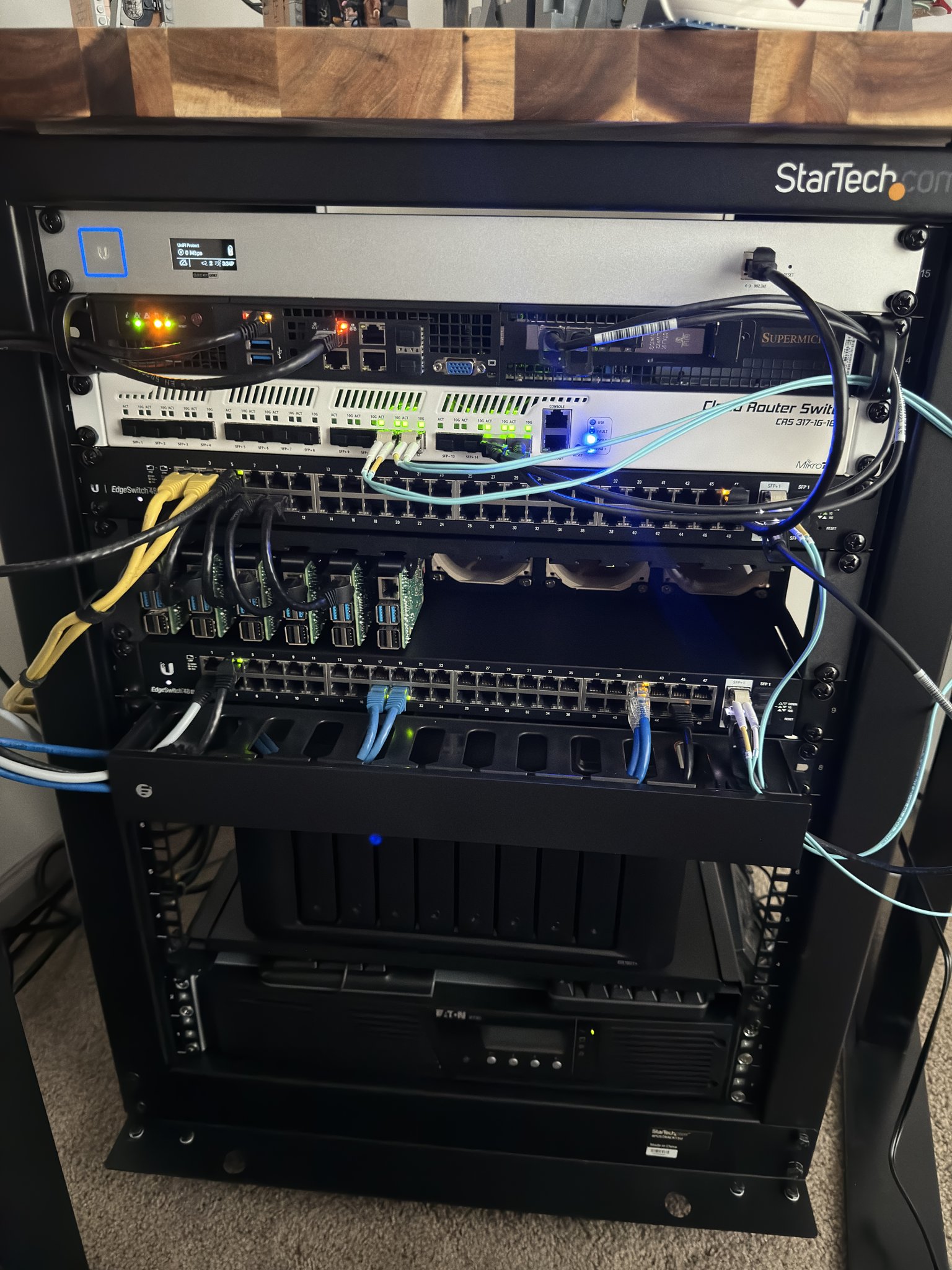
After ~2.5 years with my current home office setup, I decided it was time for a change. More of my workloads were moving to DigitalOcean so I was relying less on my in home compute (power, cooling, and noise are issues as well). My hobbies were also evolving and I wanted to make room for a workbench setup along with a 3D printer. Let me walk you through it all.
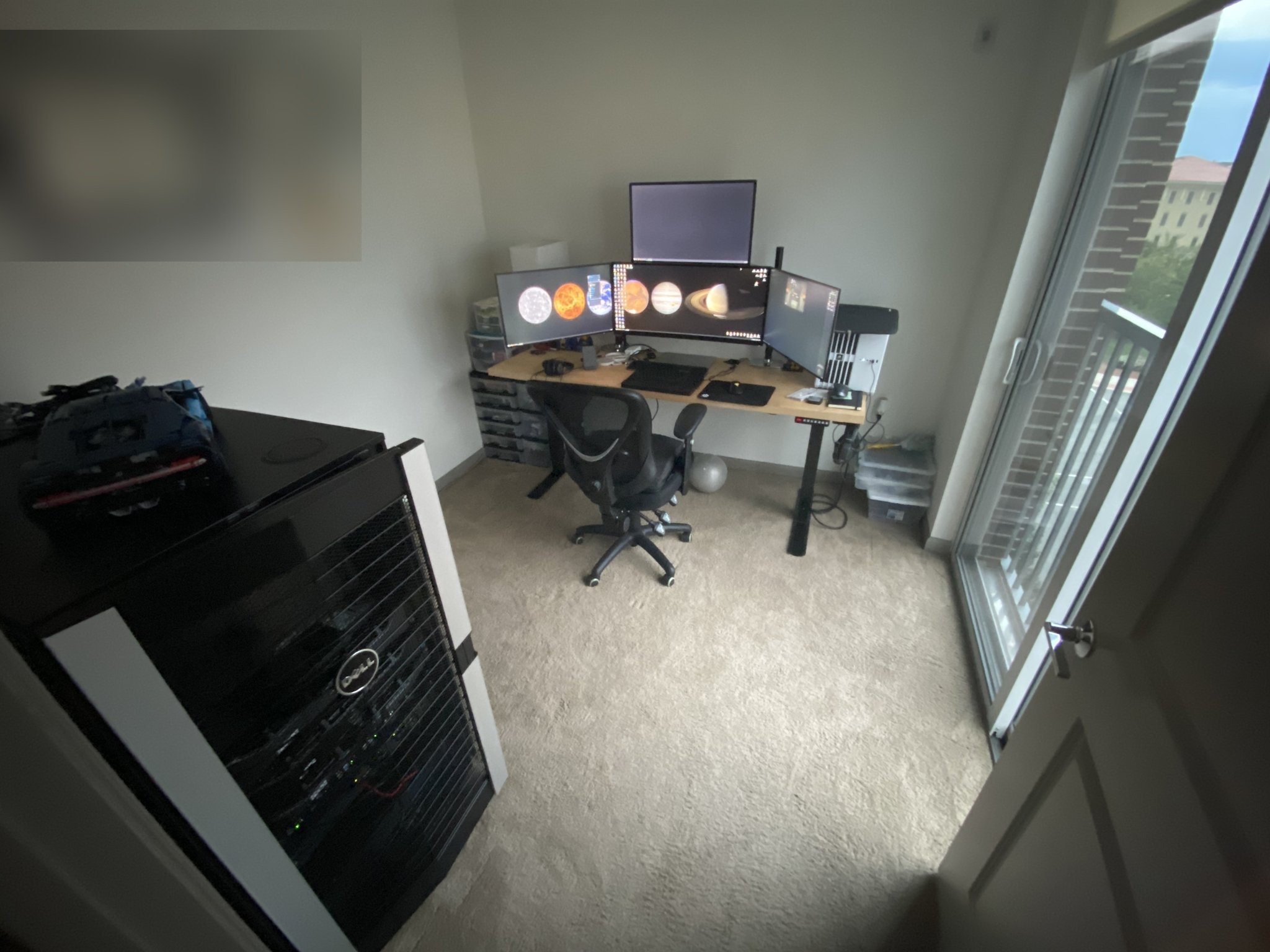
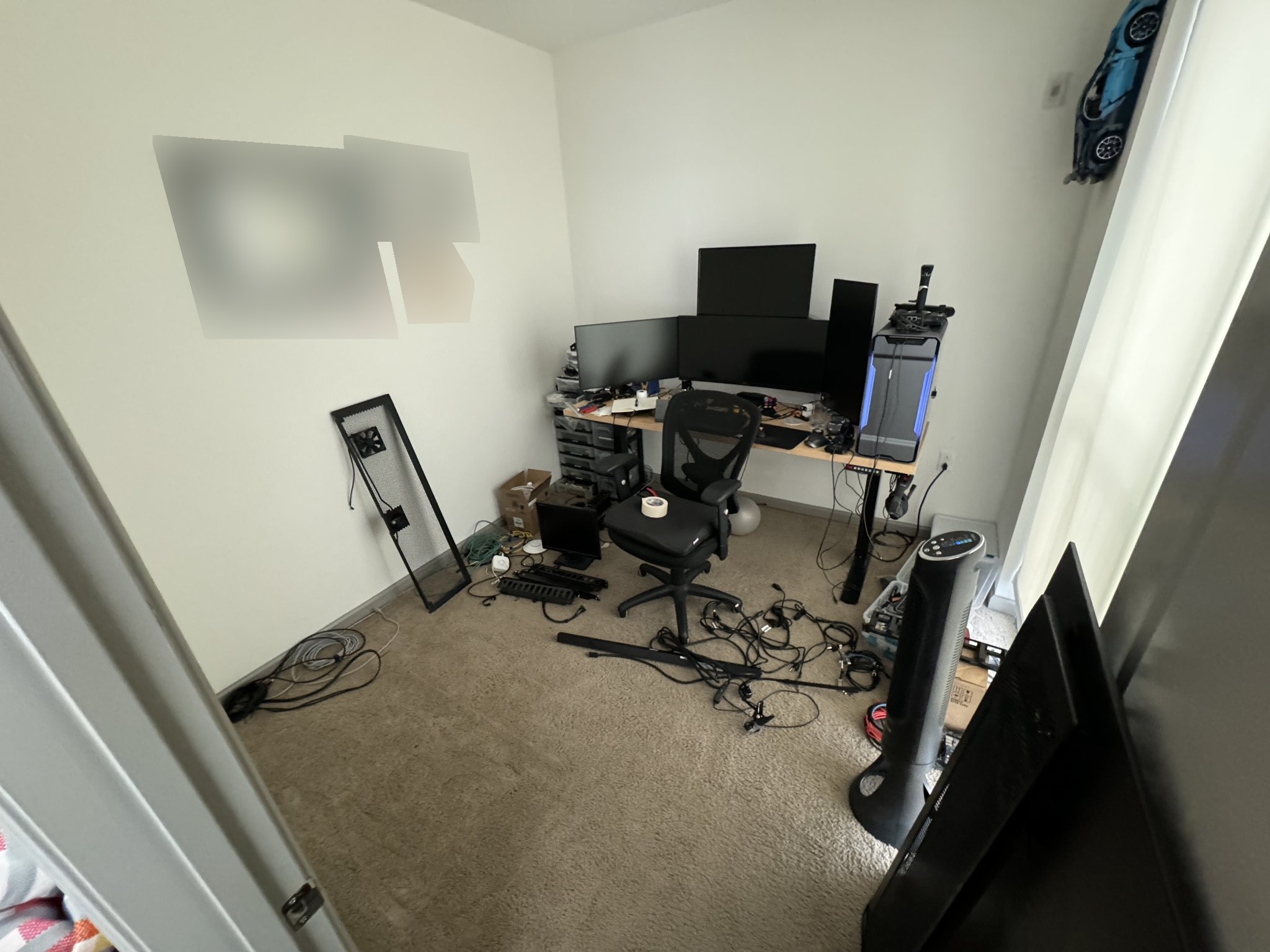
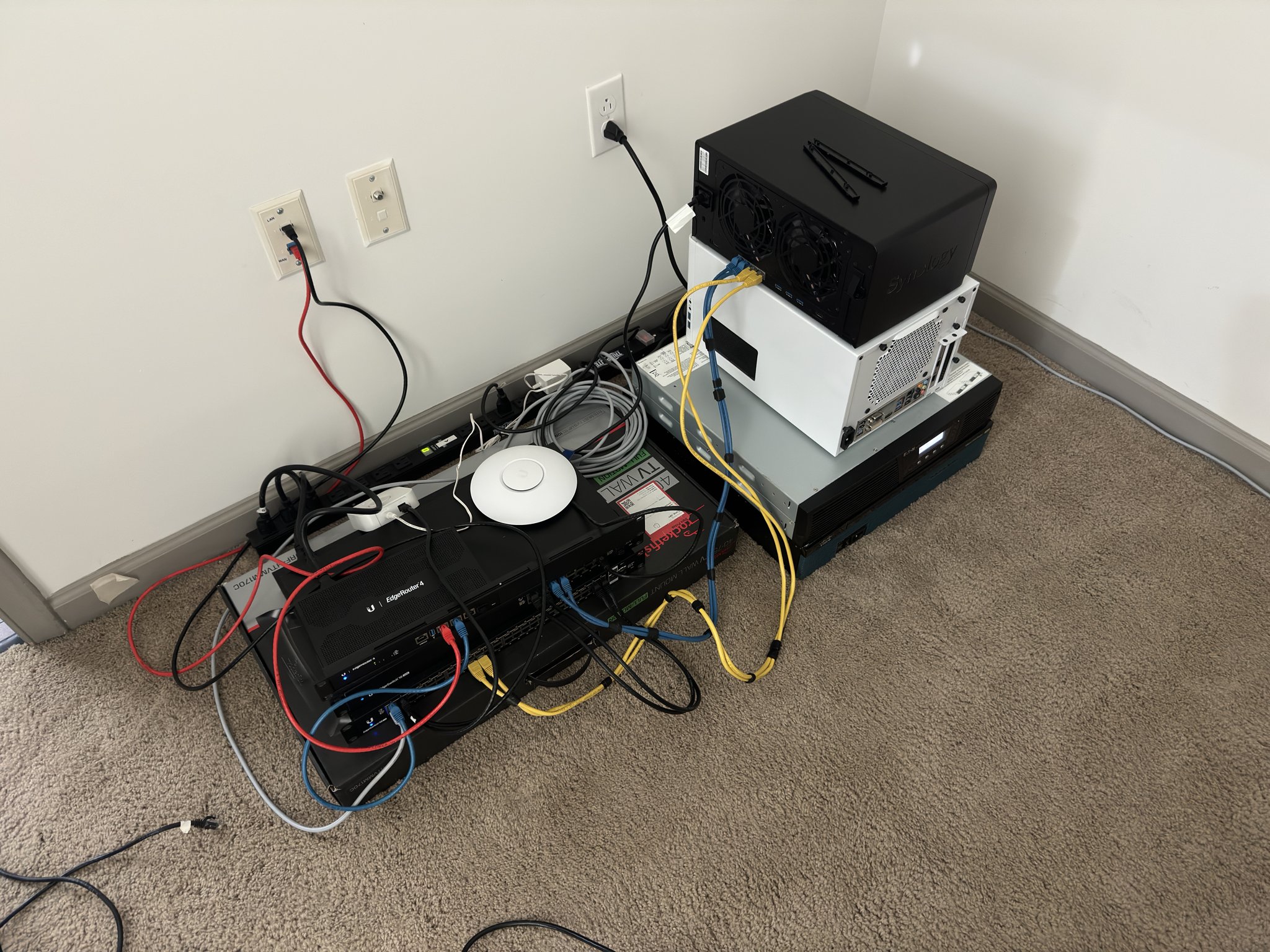
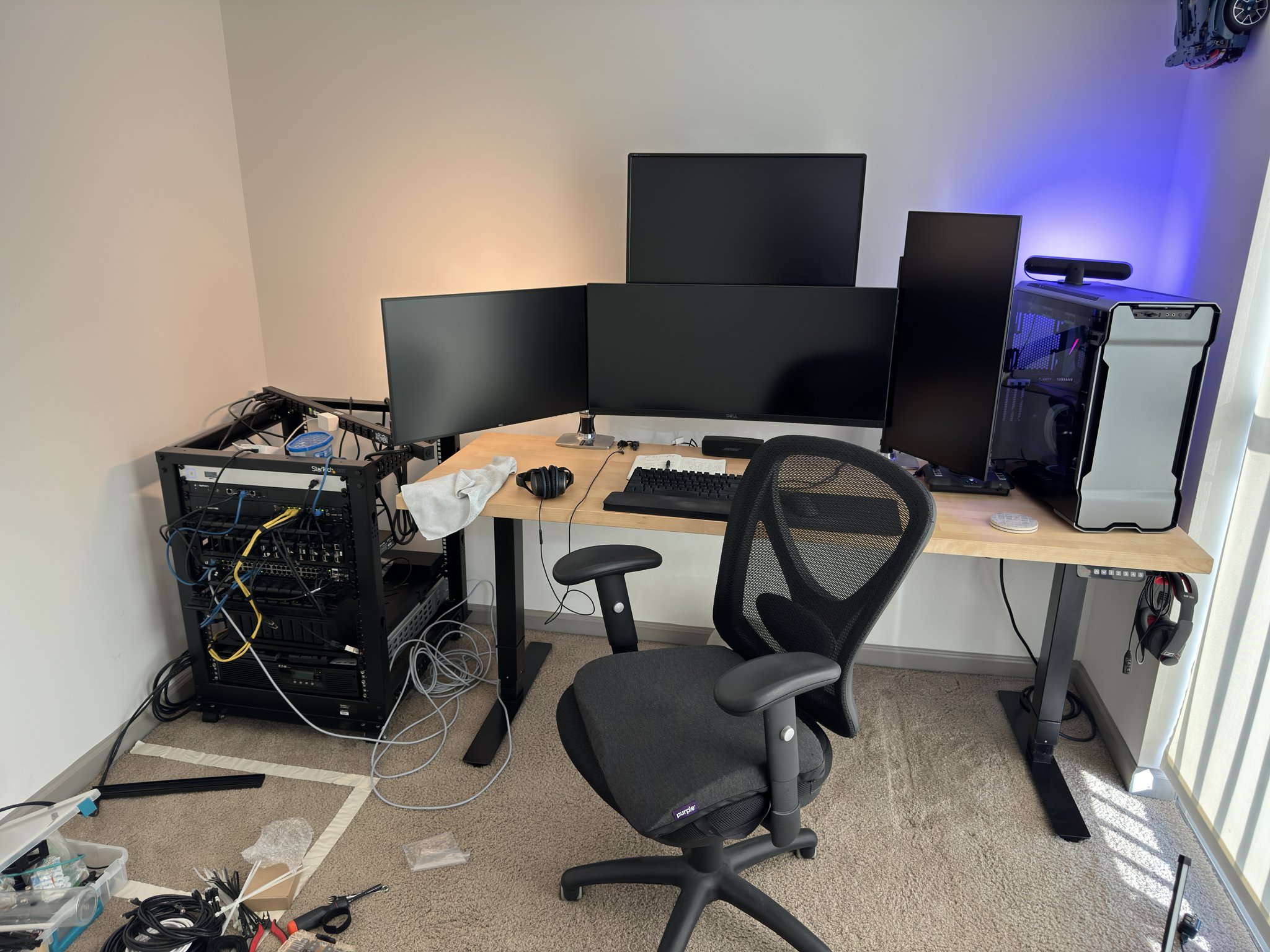
Starting point, lone desk and bulky 24U rack
Spoiler: see the finished office
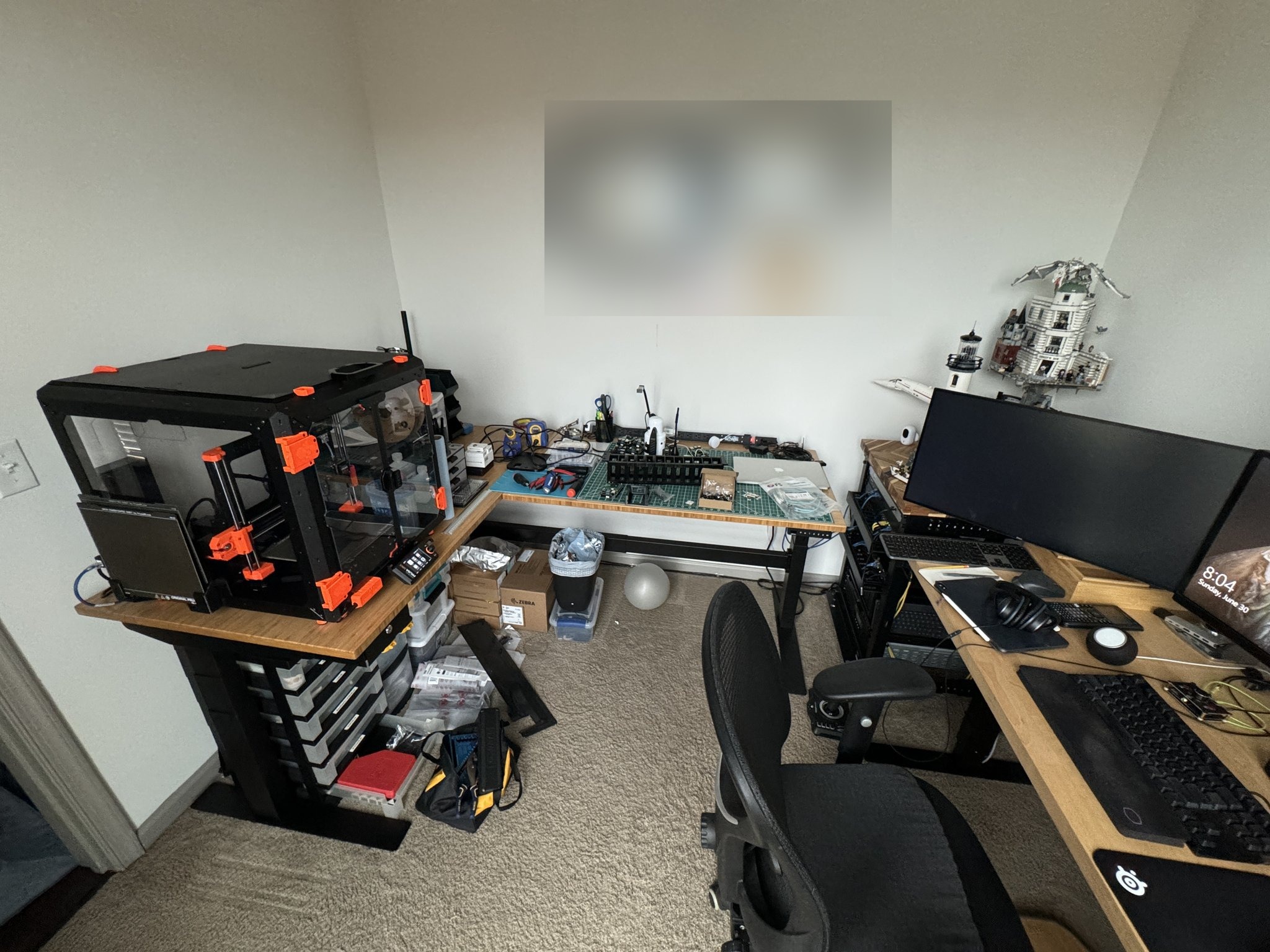
Finished! Workbench, computer desk, and 15U rack tucked away in the corner
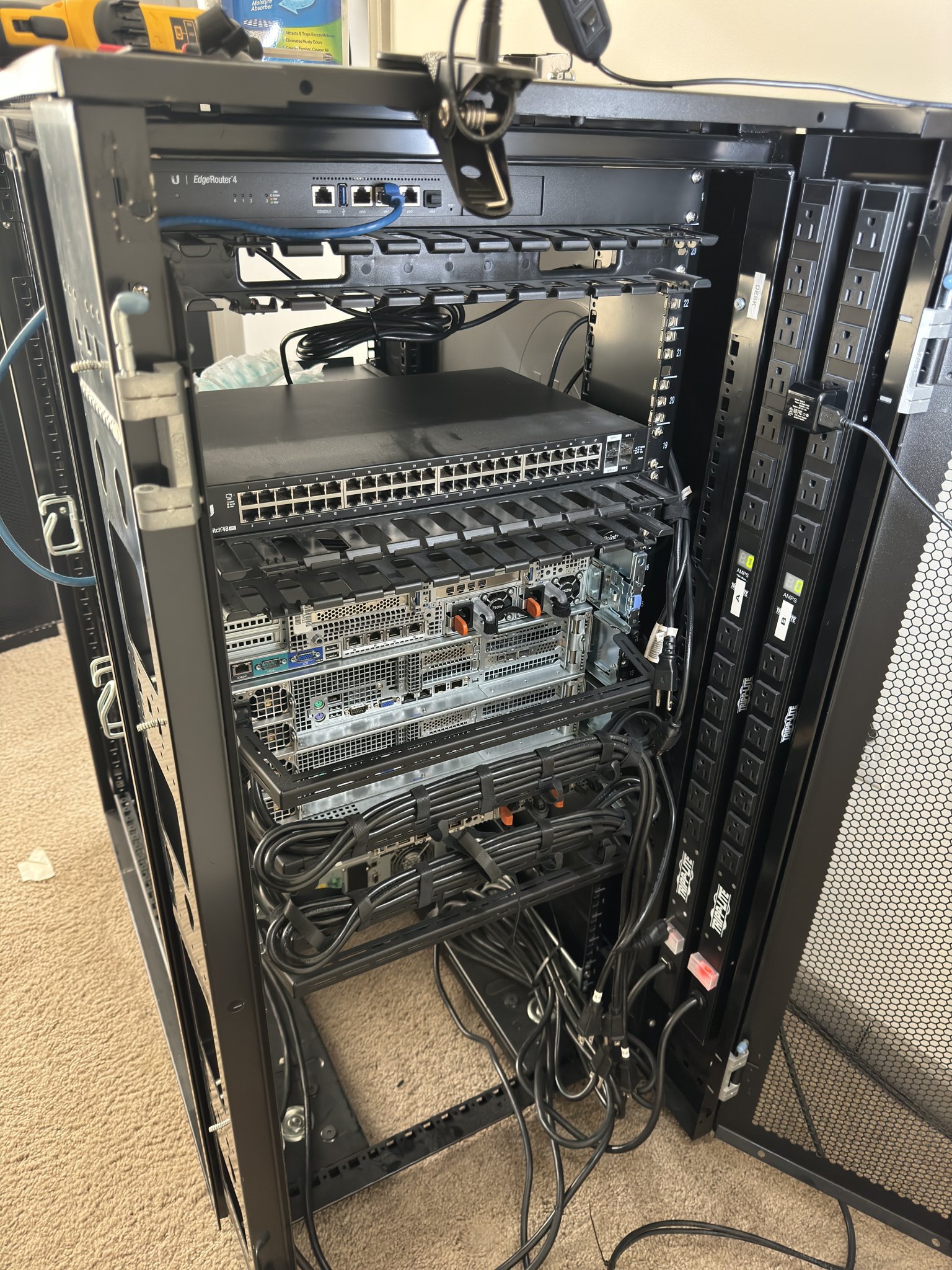
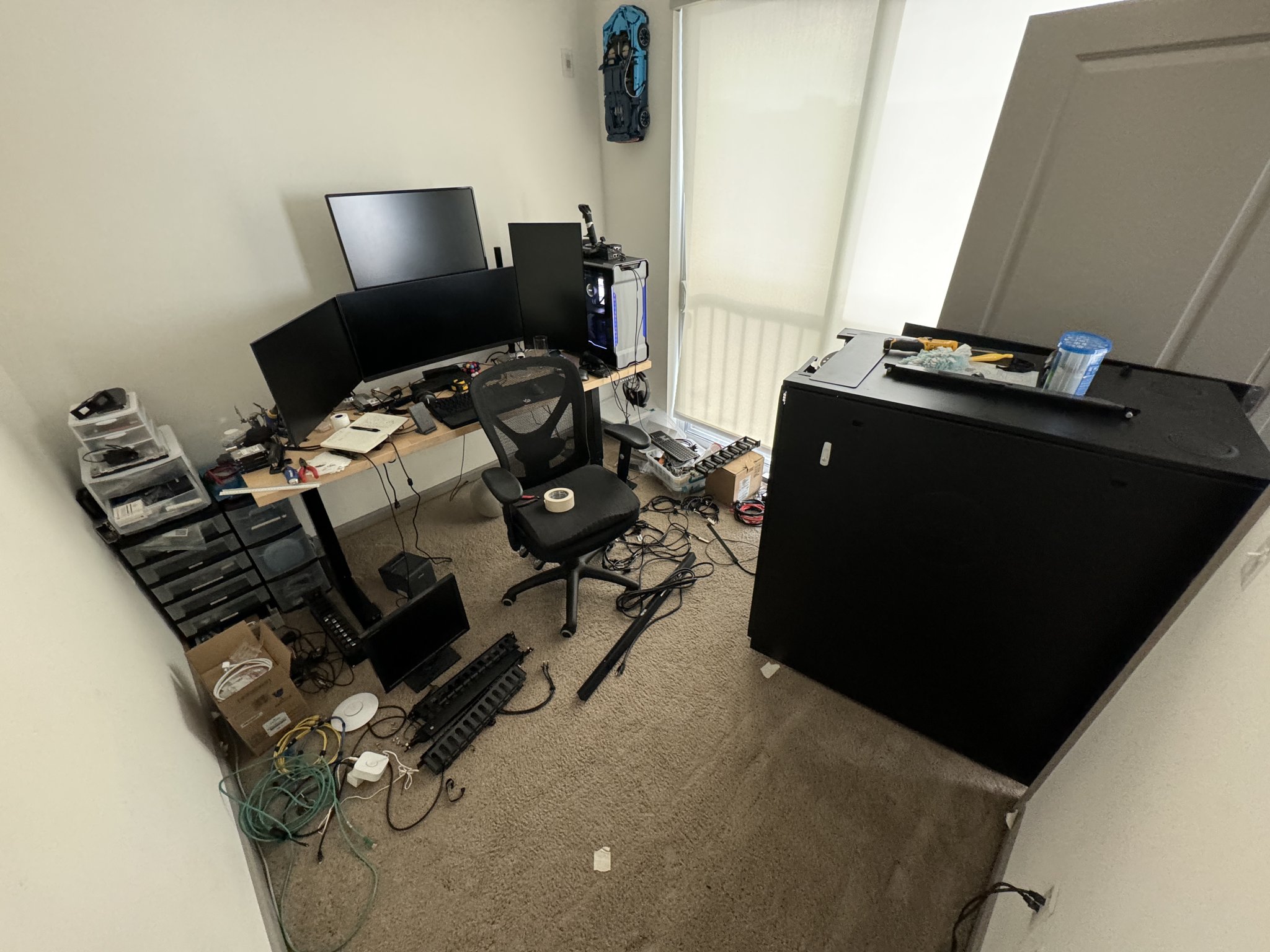
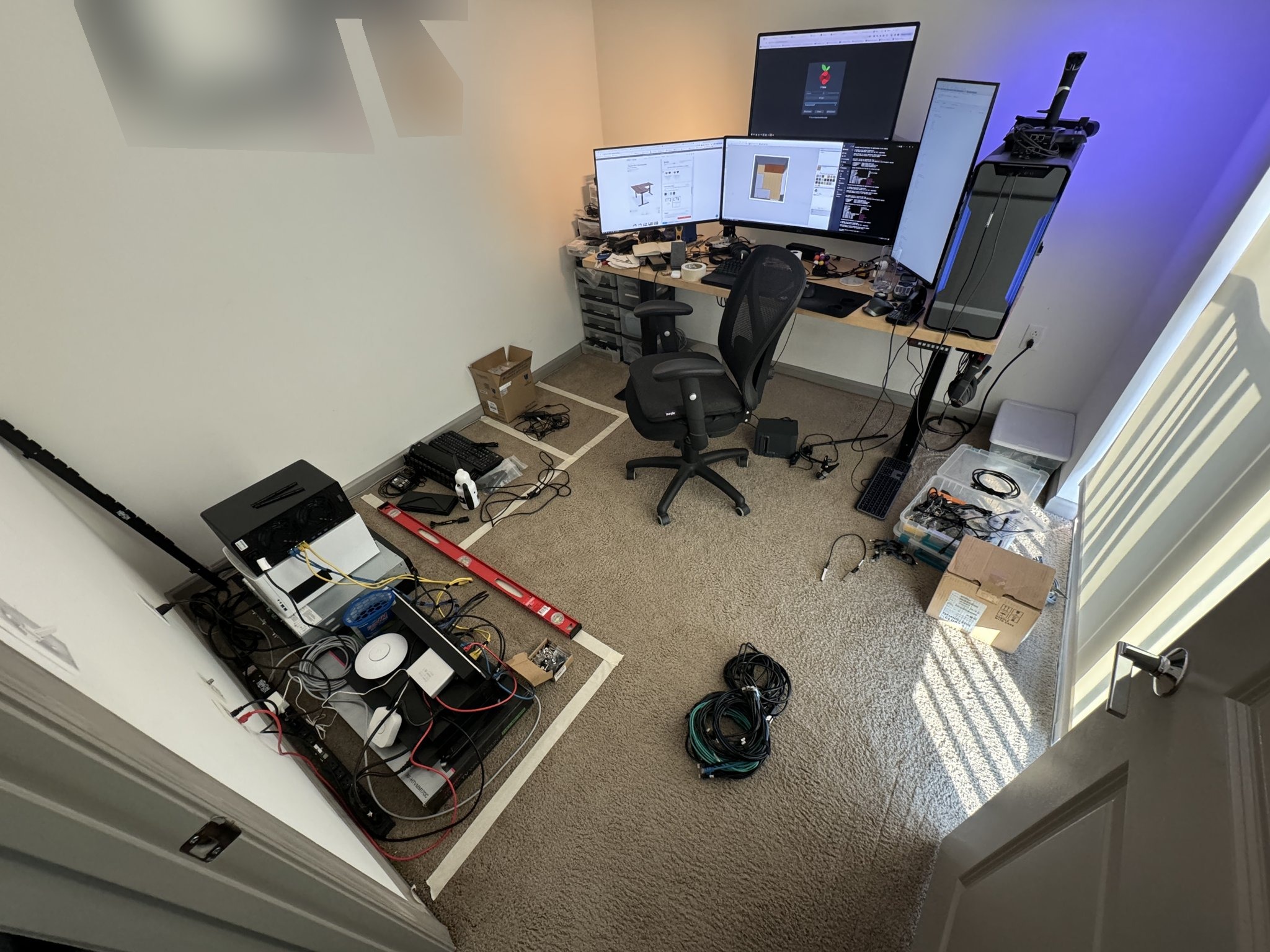
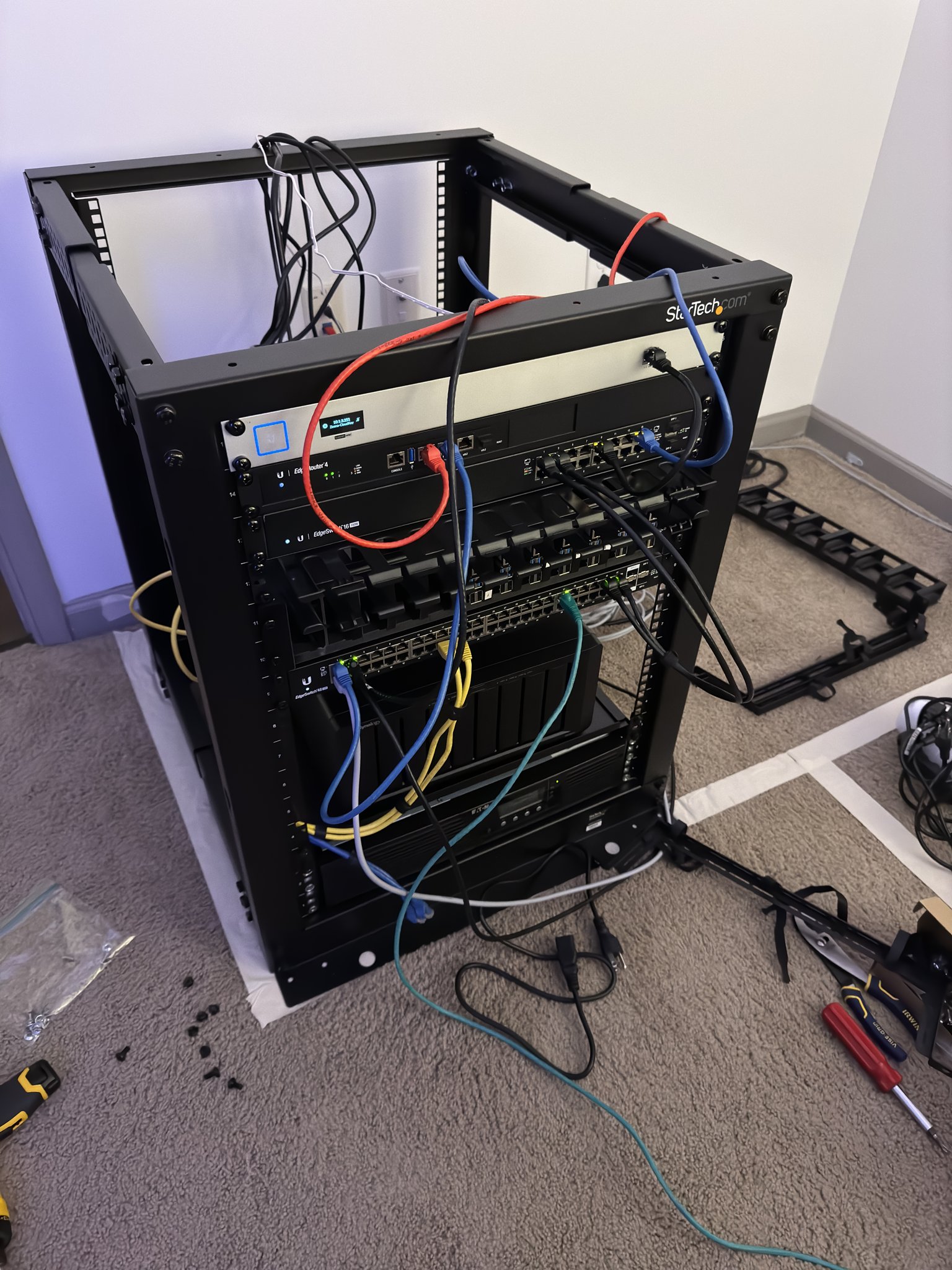
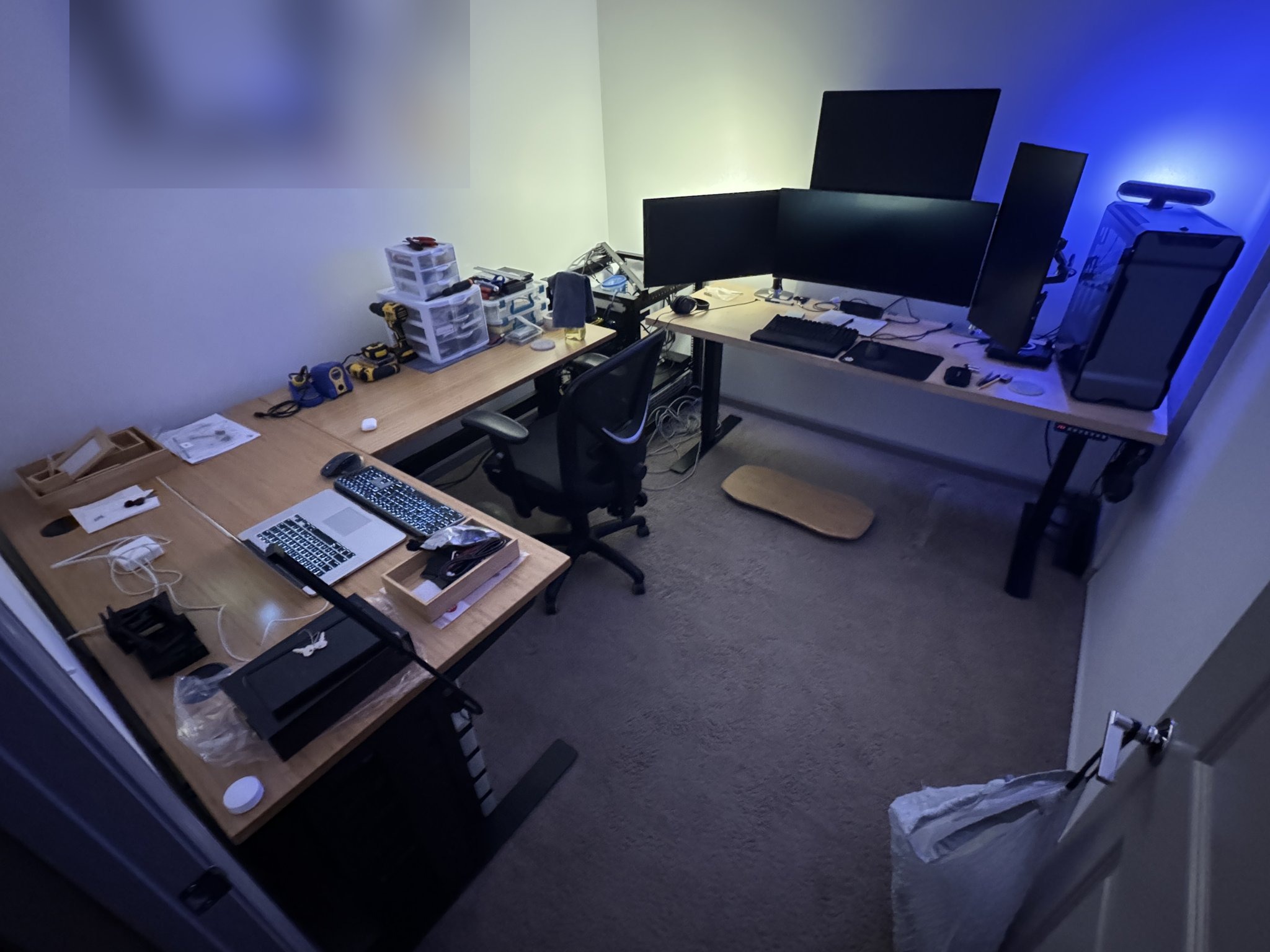
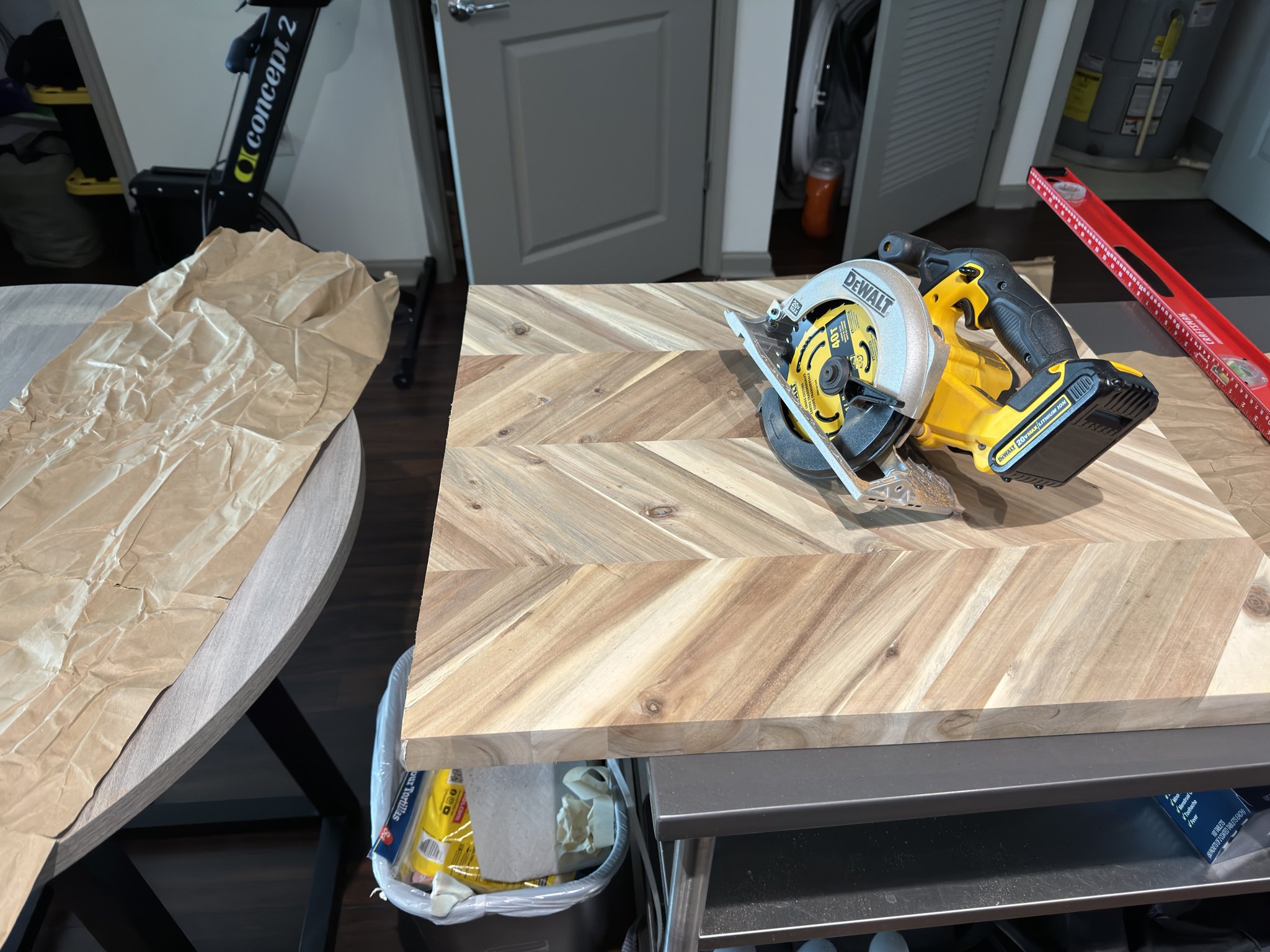
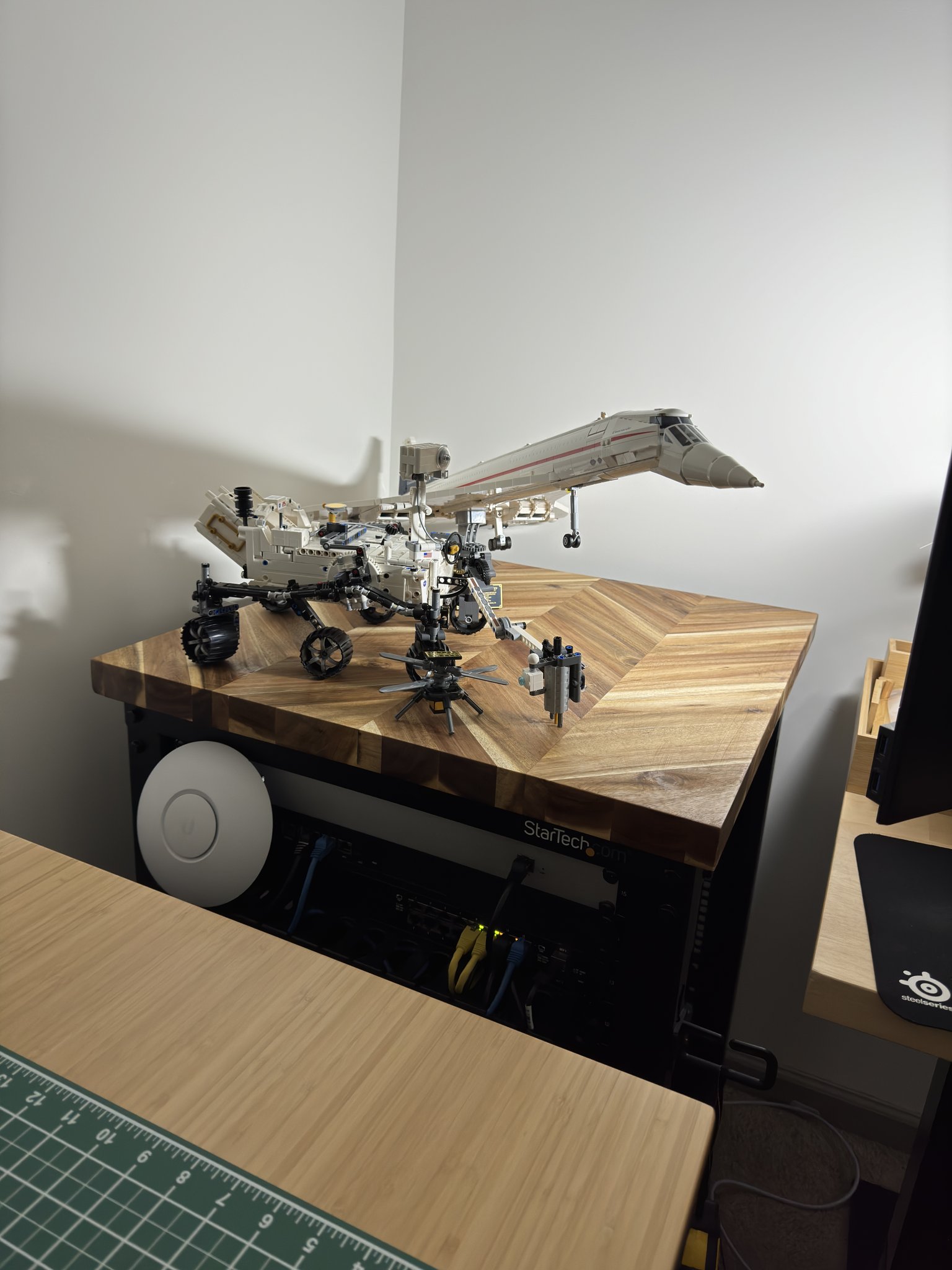
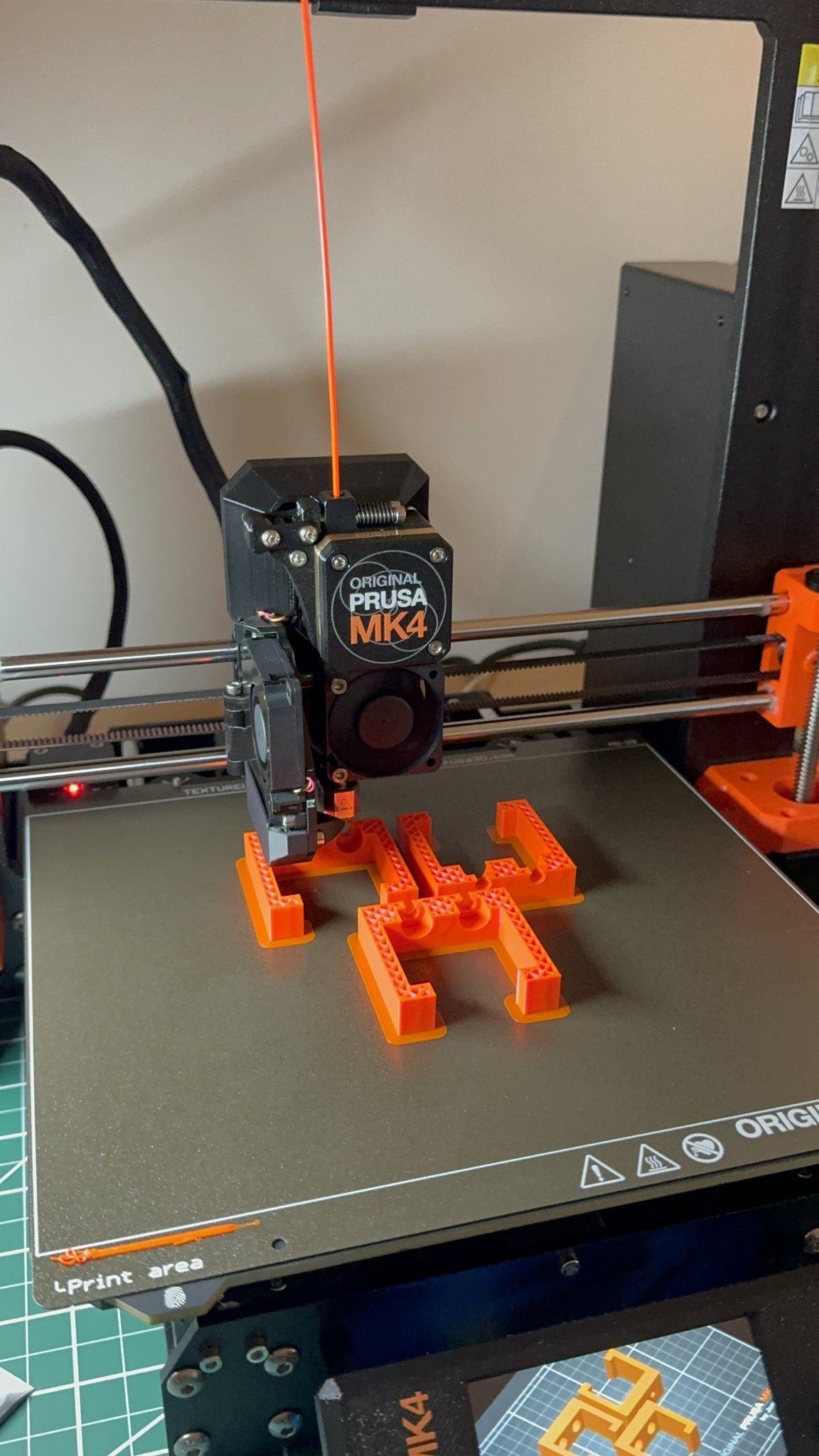
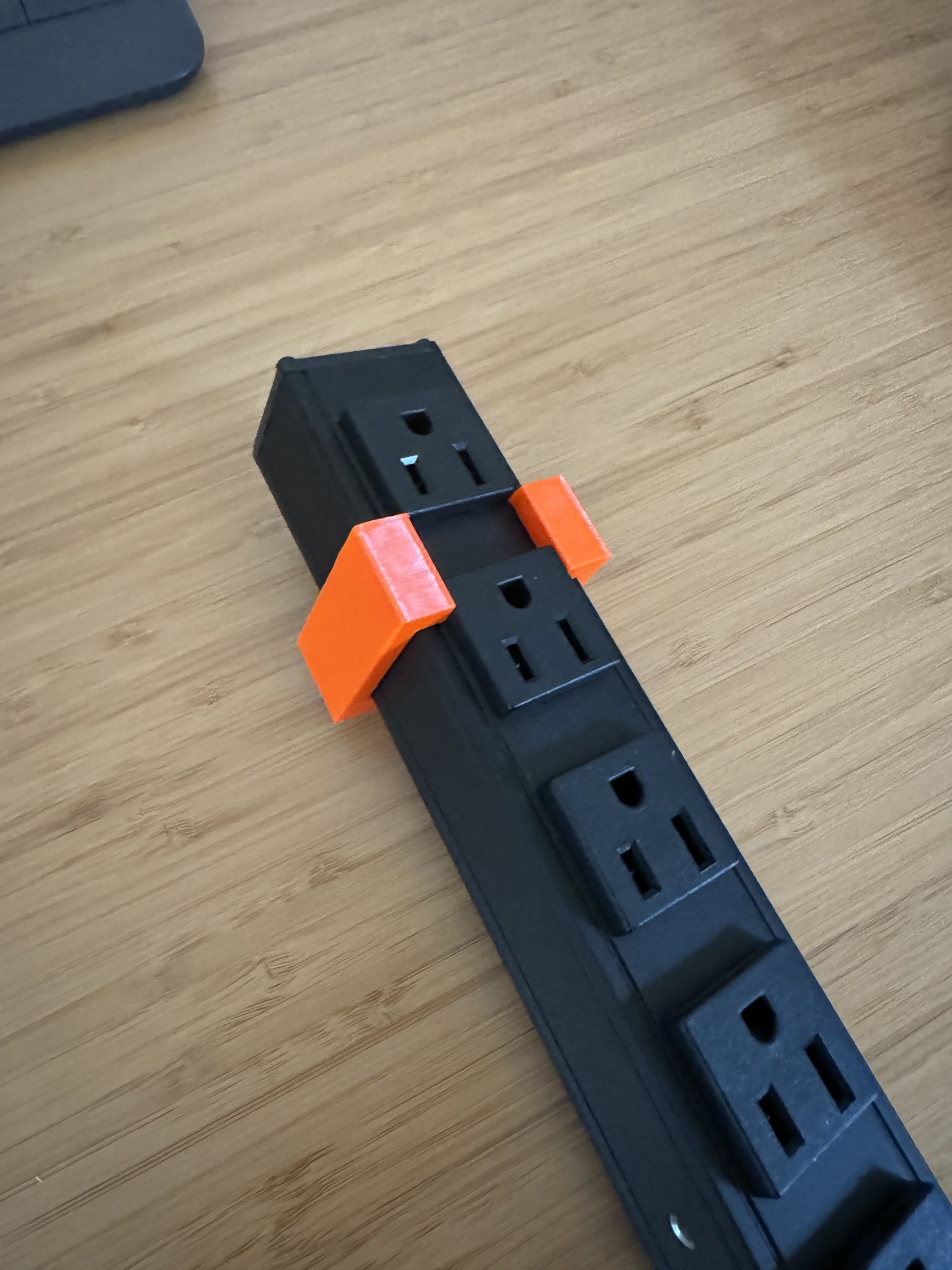
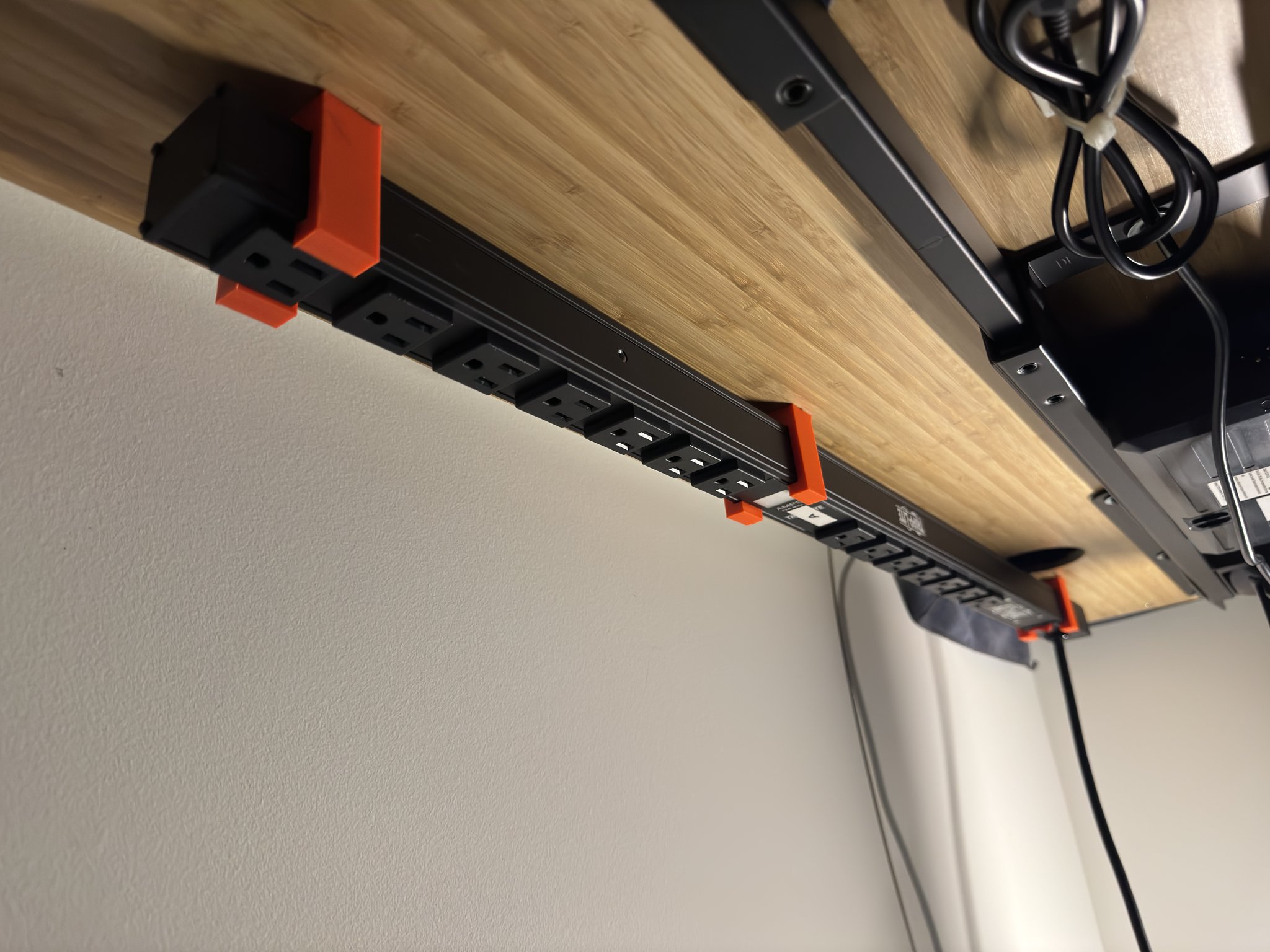
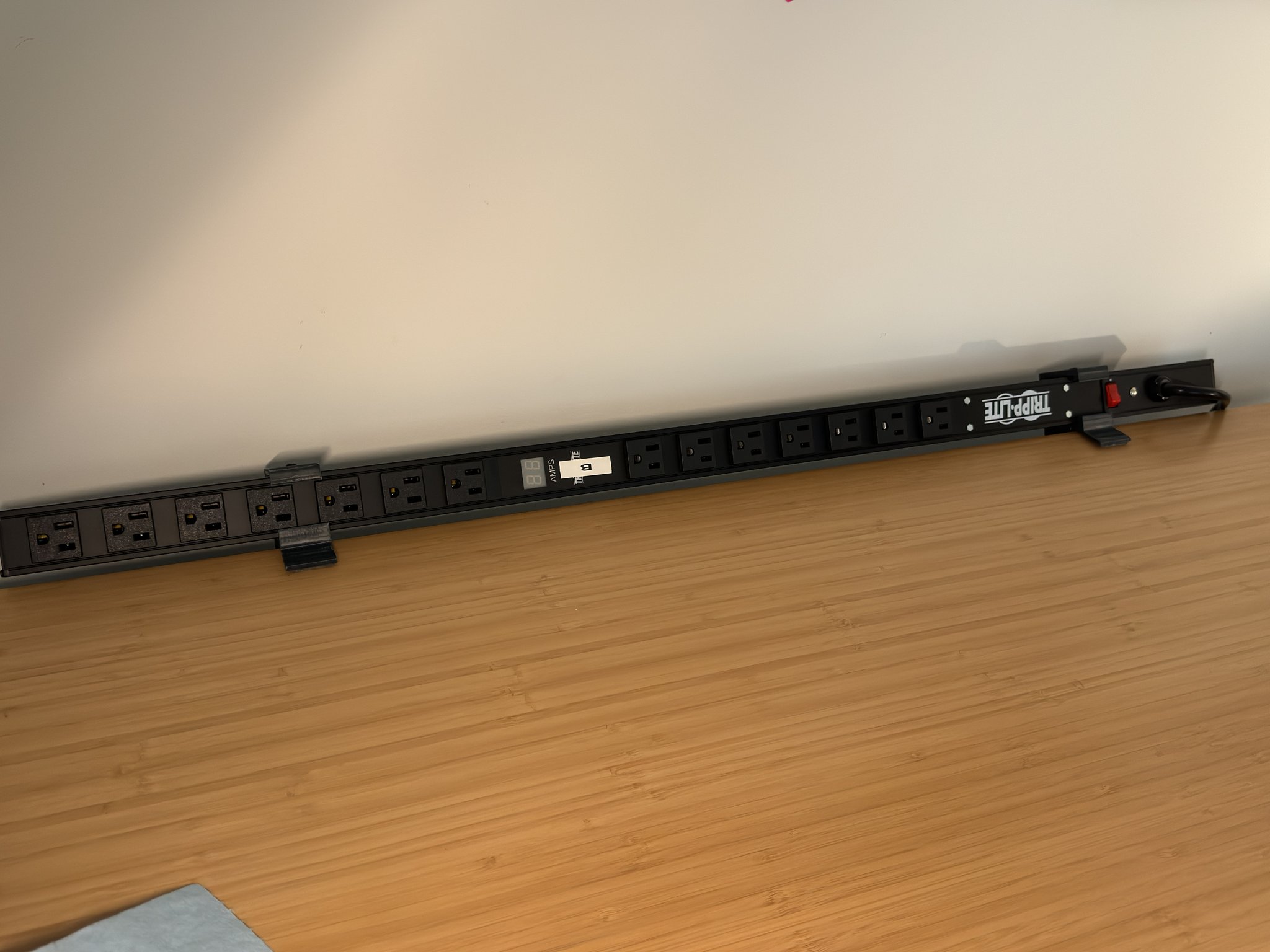
Close-up of the rack before disassembly.Getting the rack out of the waySo much room for activities!Keeping the network alive during the shuffle.Planning the new desk layout. (Uplift L-Shaped 60"Mx78"R w/ return on right side and bamboo top). You can see the SketchUp plans on my screen as well!Moving the essentials into the new rack. Top to bottom: Unifi CloudKey Gen2, Edgerouter ER-4, Edgeswitch 16-POE, Pi Cluster, Edgeswitch 48, Synology DS1821+, Eaton 9130 UPS.Relocated the rack into the cornerDesk assembled! Temporary setup while waiting for my Prusa order…The 15U rack needed a top so I could store things on it, so I cut down this countertop I got from Home Depot. My apartment neighbors were very confused about what the noise was all about…Sanded, sealed, and displaying some Lego!Got the Prusa MK4 assembled and calibratedI designed and printed some simple brackets so that I could mount a rack PDU under the desk.Test fitting the bracket on the PDU.Mounted!Also designed and printed some angled brackets so I could use the second PDU for bench power.Built the enclosure for the MK4A small 10G rack upgrade (This deserves its own post)Finished! Workbench, computer desk, and 15U rack tucked away in the corner